Bring your own bucket
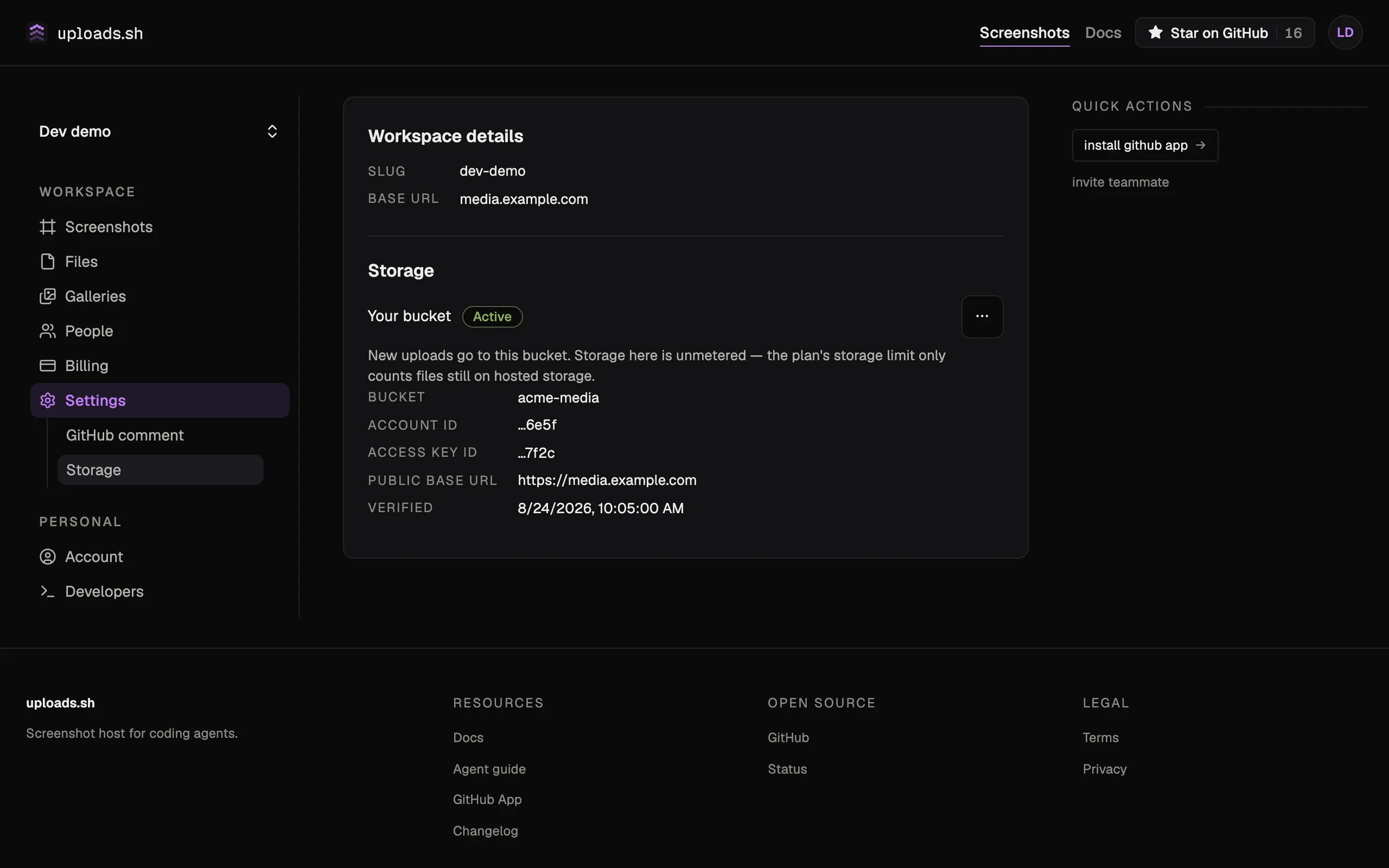
You can now point any workspace at your own storage bucket. Files upload straight to a bucket you own, serve from your own domain, and stay yours — uploads.sh keeps only encrypted credentials and a pointer, never a copy.
We're starting with Cloudflare R2; more S3-compatible providers are on the roadmap. Available to every workspace, on any plan, and storage in your own bucket is unmetered — the plan's storage limit only counts files on hosted storage.
Setup takes a few minutes from your workspace's Settings → Storage page: create an R2 bucket, scope an API token to it, give it a custom domain, and paste the three into one form. Verifying and saving never moves anything — your bucket sits ready until you click Use this bucket, and switching is instant and reversible either way: existing files keep serving from wherever they already are, only new uploads follow the active bucket.
The setup guide has the full walkthrough, the serving matrix (custom domain vs signed-only), and what's different on your own bucket. Plan limits are covered in Plans & limits.